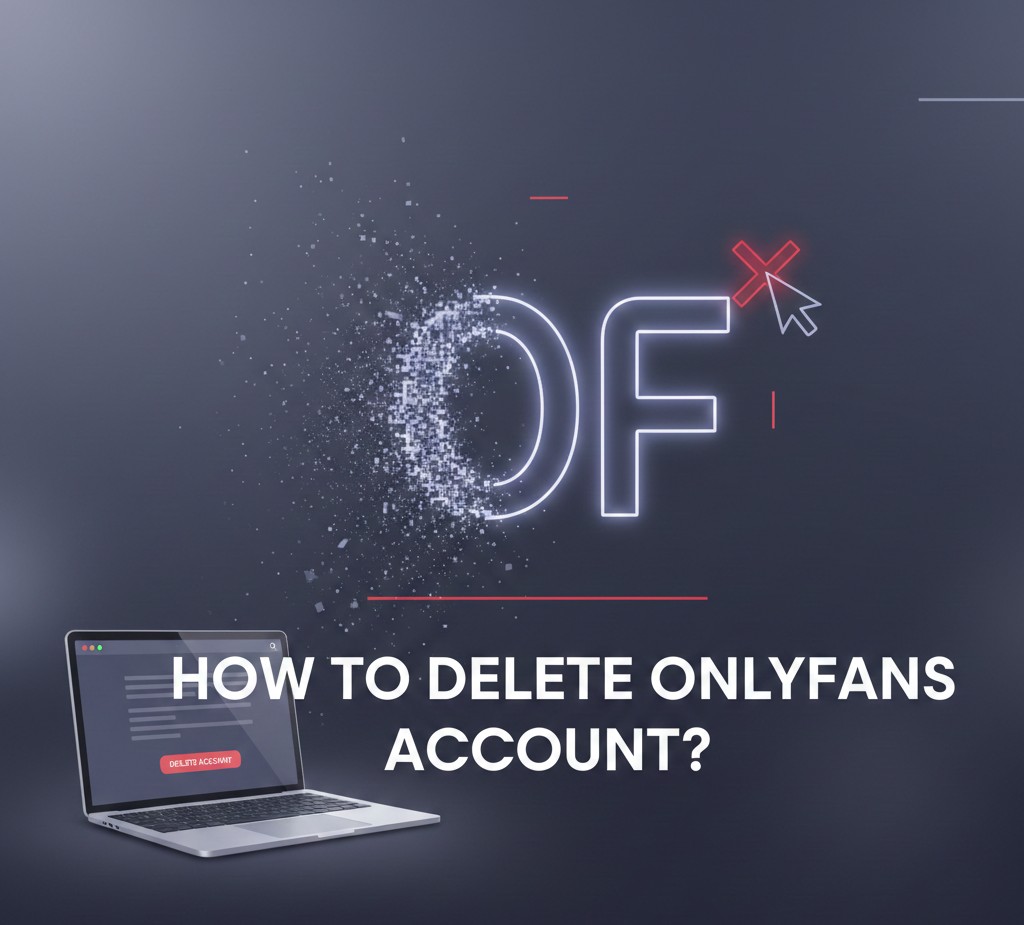
How to Delete OnlyFans Account
How to delete OnlyFans account? If you’re no longer using OnlyFans and want to close your account permanently, this guide will show you exact easy steps. Whether you’re a creator or a subscriber, the process is simple once you know where to look.
Things to Know Before You Delete Your OnlyFans Account
Before proceeding, keep these important points in mind:
- Deleting your OnlyFans account is permanent
- You will lose access to:
- Subscriptions
- Messages
- Purchased content
- Any remaining balance must be withdrawn before deletion
- You cannot recover the account once it’s deleted
Also Read: How to Find Hidden Apps on iPhone
How to Delete OnlyFans Account on Desktop or Mobile
Follow these steps and you will know how to delete OnlyFans account permanently:
Step 1: Log in to OnlyFans
Go to OnlyFans.com and log in using your email and password.
Step 2: Open Settings
Click on your profile icon in the top-right corner and select Settings from the menu.
Step 3: Go to Account Settings
In the settings menu, scroll down and click on Account.
Step 4: Select “Delete Account”
Scroll to the bottom and click Delete Account.
Step 5: Enter Verification Code
OnlyFans will send a verification code to your registered email or phone number. Enter the code when prompted.
Step 6: Confirm Deletion
Click Delete Account again to confirm. Your OnlyFans account will now be permanently deleted.
How to Delete OnlyFans Creator Account
If you are a creator, make sure to:
- Withdraw all earnings
- Cancel any active subscriptions
- Remove linked bank details (optional but recommended)
Once done, follow the same steps above to delete your OnlyFans creator account.
Can You Delete OnlyFans Account from the App?
No. Currently, you cannot delete your OnlyFans account from a mobile app because OnlyFans does not have an official app. You must use a web browser on your phone or computer.
What Happens After You Delete OnlyFans Account?
After deletion:
- Your profile is removed immediately
- Subscribers lose access to your content
- Your username becomes unavailable for reuse
- All data is permanently erased
There is no reactivation option, so proceed only if you’re sure.
Also Read: How to Create a Drop Down List in Excel
Troubleshooting: Can’t Delete OnlyFans Account?
If you’re having trouble:
- Make sure you entered the correct verification code
- Clear browser cache and cookies
- Try a different browser
- Contact OnlyFans Support if the issue persists
Final Thoughts
Knowing how to delete OnlyFans account helps you take full control of your online presence. Just remember to withdraw funds, double-check your decision, and follow the steps carefully to avoid issues.
If you’re done with OnlyFans for good, deleting your account ensures your data and content are fully removed.
Questions Regarding how to delete OnlyFans account
How long does it take to delete an OnlyFans account?
The account is deleted immediately after confirmation.
Can I reopen my OnlyFans account later?
No. Once deleted, the account cannot be restored.
Does deleting OnlyFans cancel subscriptions?
Yes. All subscriptions are canceled automatically.