Skip to content
-
Subscribe to our newsletter & never miss our best posts. Subscribe Now!
Tonic of Tech Tonic Of Tech
  • Tech News
  • AI
  • Apple
  • Apps
    • Android Apps
    • IOS Apps
  • Blockchain
  • Business
  • Cloud
  • Cloud Computing
  • Cybersecurity
  • Devops
  • Write for Us
  • Fintech
  • Google
  • Guides
  • IoT
  • Machine Learning
  • Laptops
  • Radio Technology
  • Smartphones
    • Android
    • iOS
  • Software
  • Windows
Close

Search

apple tv remote volume not working
Apple

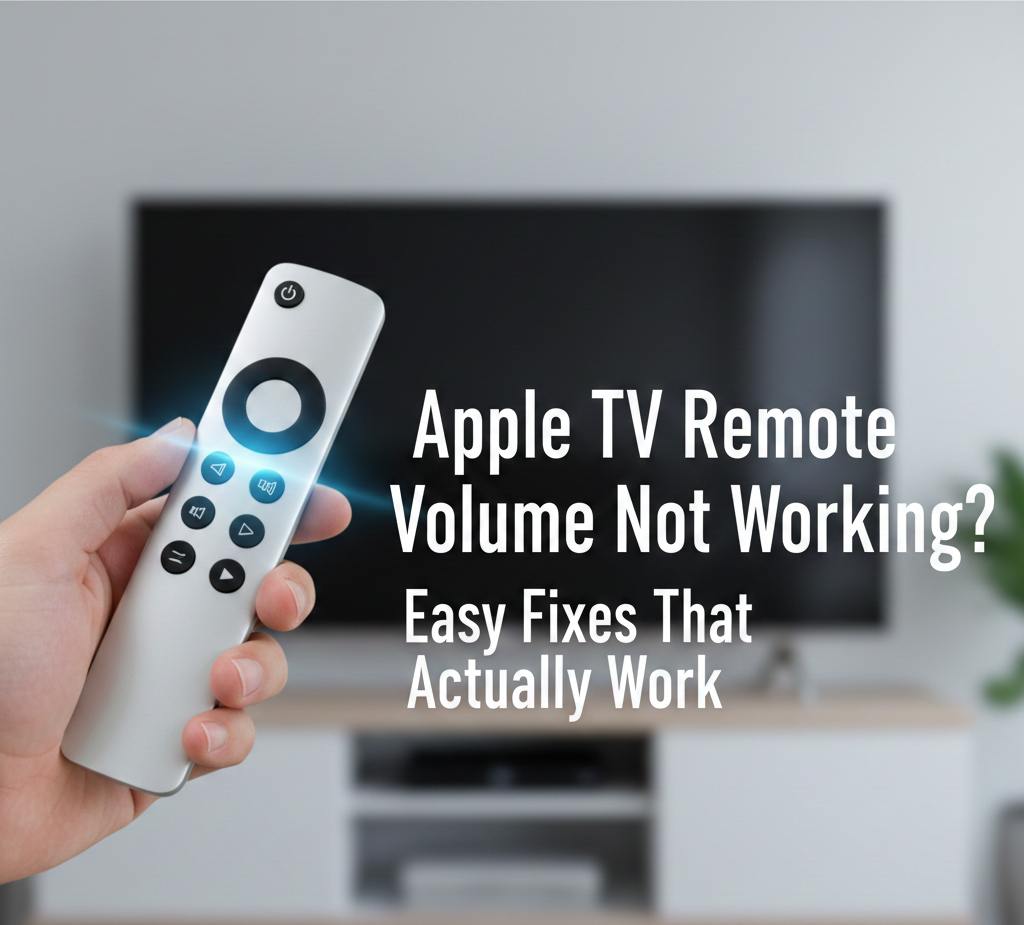
Apple TV Remote Volume Not Working? Easy Fixes That Actually Work

By Jessica Walker
28/12/2025 2 Min Read
0

If your Apple TV remote volume not working, you’re not alone. Many users face this issue where the Apple TV remote won’t increase or decrease volume, even though everything else works fine. The good news? In most cases, the problem is easy to fix.

This guide walks you through simple, proven solutions to fix volume issues on your Apple TV remote.

Table of Contents

Toggle
  • Why Is My Apple TV Remote Volume Not Working?
  • Fix 1: Check Your Apple TV Remote Battery
  • Fix 2: Enable Volume Control in Apple TV Settings
  • Fix 3: Turn On HDMI-CEC on Your TV
  • Fix 4: Restart Apple TV and Remote
  • Fix 5: Re-Pair the Apple TV Remote
  • Fix 6: Update Apple TV Software
  • Fix 7: Use Your iPhone as a Temporary Remote
  • Final Thoughts

Why Is My Apple TV Remote Volume Not Working?

When the volume on Apple TV remote not working, it’s usually caused by one of these reasons:

  • The remote isn’t paired correctly
  • Incorrect audio or HDMI settings
  • TV or soundbar not configured for volume control
  • Software glitch on Apple TV
  • Low remote battery

Let’s fix it step by step.

Fix 1: Check Your Apple TV Remote Battery

A weak battery can cause partial remote failure.

What to do:

  1. Go to Settings > Remotes and Devices > Bluetooth
  2. Check the battery level of your remote
  3. Charge the remote if it’s below 20%

After charging, test the volume buttons again.

Fix 2: Enable Volume Control in Apple TV Settings

If Apple TV volume not working, the remote may not be set up to control your TV or sound system.

Steps:

  1. Open Settings
  2. Go to Remotes and Devices
  3. Select Volume Control
  4. Choose Auto via HDMI (CEC)

If Auto doesn’t work, try selecting your TV or soundbar manually.

Fix 3: Turn On HDMI-CEC on Your TV

HDMI-CEC allows Apple TV to control your TV’s volume.

How to check:

  • Open your TV’s settings
  • Look for HDMI-CEC, Anynet+, Simplink, or Bravia Sync
  • Turn it ON

Once enabled, restart both your TV and Apple TV.

Fix 4: Restart Apple TV and Remote

A quick restart can fix software glitches.

Restart Apple TV:

  • Go to Settings > System > Restart

Restart the remote:

  1. Press and hold TV button + Volume Down
  2. Hold for 5 seconds
  3. Release when the status light flashes

Fix 5: Re-Pair the Apple TV Remote

If the volume not working on Apple TV remote, re-pairing often helps.

Steps:

  1. Hold the remote close to Apple TV
  2. Press and hold Back + Volume Up
  3. Hold for 5 seconds
  4. Wait for the pairing message

Fix 6: Update Apple TV Software

Outdated software can cause remote issues.

Check for updates:

  • Go to Settings > System > Software Updates
  • Install any available updates

Fix 7: Use Your iPhone as a Temporary Remote

If nothing works, use the Apple TV Remote in Control Center on your iPhone to control volume while troubleshooting.

Also Read: How to Find Hidden Apps on iPhone

Final Thoughts

If your apple tv remote volume not working, it’s usually a settings or pairing issue not a hardware problem. Start with battery and settings checks, then move on to HDMI-CEC and re-pairing. In most cases, one of these fixes restores volume control quickly.


Author

Jessica Walker

Jessica Walker is a Tech Writer at Tonic of Tech, where she covers artificial intelligence, AI search tools, consumer electronics, software, and emerging technology trends. Her work is grounded in hands-on research and source verification, focusing on practical guides, product and service comparisons, and clear breakdowns of how AI tools and platforms actually work. Jessica prioritizes accuracy over speculation, distinguishing confirmed product information from general industry practice, and regularly updates her coverage as products, pricing, and the AI landscape evolve.

Follow Me
Other Articles
how to delete onlyfans account
Previous

How to Delete OnlyFans Account

Next

Why Android Setup Keeps Stopping (Solved)

No Comment! Be the first one.

Leave a Reply Cancel reply

Your email address will not be published. Required fields are marked *

You May Have Missed

Apps

Why Modern Casino Apps Are Becoming More Like Mobile Games

Jessica Walker
By Jessica Walker
17/11/2026
How to Change WiFi Name: Step-by-Step for Any Router
Guides Hardware Tech News

How to Change WiFi Name: Step-by-Step for Any Router

Jessica Walker
By Jessica Walker
17/11/2026
Guides

When Repairs Aren’t Enough: Knowing When to Upgrade Your Garage Door Opener 

Za Ghumro
By Za Ghumro
16/11/2026
Business

The Evolution of Handgun Design: From Historical Models to Modern Innovations

Za Ghumro
By Za Ghumro
16/11/2026
Business

Cape Cod Web Design and SEO: A Complete Strategy for Local Business Growth

Jessica Walker
By Jessica Walker
16/11/2026
Kindroid AI Review (2026): Features, Pricing & Polaris Update
AI

Kindroid AI Review (2026): Features, Pricing, and the Polaris Update

Jessica Walker
By Jessica Walker
15/11/2026
Grubby AI Review 2026: Pricing, Free Plan & Tests
AI

Grubby AI Review (2026): Pricing, Free Limits and Whether It Actually Works

Jessica Walker
By Jessica Walker
15/11/2026
Business Tech News

Chucktown Website Design: Affordable Web Design for Summerville & Charleston Businesses

Jessica Walker
By Jessica Walker
14/11/2026
Hardware Tech News

VR Entertainment: How Headsets, Streaming, and Mixed Reality Are Changing Viewing

Jessica Walker
By Jessica Walker
14/11/2026
  • Contact Us
  • Disclaimer
  • Home
  • Our Story
  • Privacy Policy
  • Terms & Conditions
  • Your Turn: Write for Us
Copyright 2026 — Tonic Of Tech. All rights reserved.