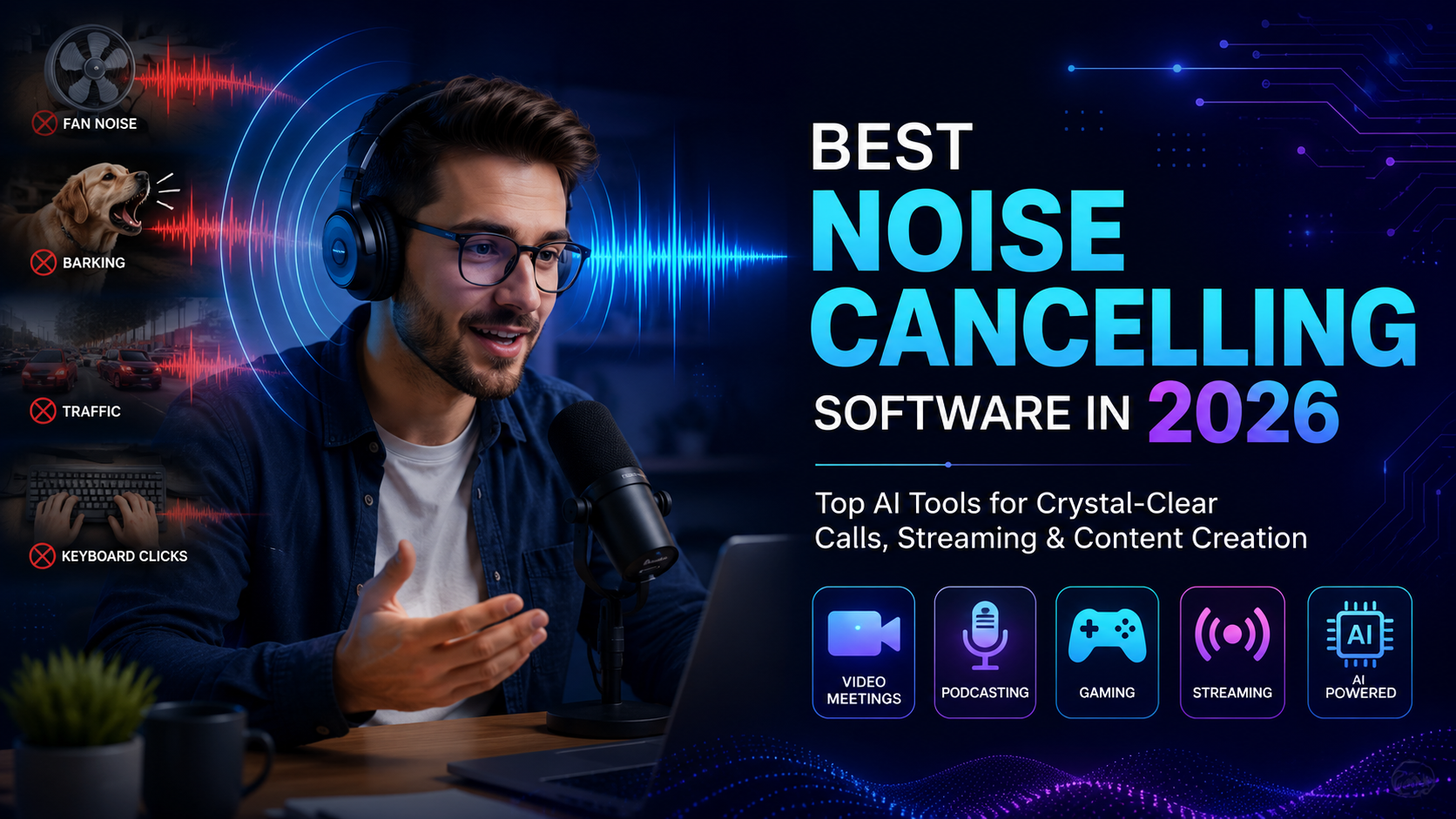

Best Noise Cancelling Software in 2026: Top Picks for Crystal-Clear Audio
Whether you’re attending virtual meetings, recording podcasts, streaming games, or creating YouTube videos, unwanted background noise can ruin your audio quality. Thankfully, AI-powered noise cancellation software has become smarter than ever, removing distractions like keyboard clicks, traffic sounds, fan noise, and even barking dogs in real time.
In this guide, we’ve rounded up the best noise cancelling software in 2026 to help you choose the right solution for work, gaming, or content creation.
Quick Comparison
| Software | Best For | Free Version | AI Noise Removal |
|---|---|---|---|
| Krisp | Online meetings | Yes | ✅ |
| NVIDIA Broadcast | Gamers & Streamers | Yes | ✅ |
| Adobe Podcast Enhance | Podcasters | Yes | ✅ |
| SteelSeries Sonar | Gaming | Yes | ✅ |
| NVIDIA RTX Voice | RTX GPU Users | Yes | ✅ |
| Audacity | Audio Editing | Yes | Limited |
1. Krisp
Krisp remains one of the most popular AI-powered noise cancellation tools. It removes background noise from both your microphone and incoming audio, making it perfect for Zoom, Microsoft Teams, Google Meet, and Discord.
Pros
- Excellent real-time AI filtering
- Easy setup
- Works with most communication apps
Cons
- Free plan has usage limits
- Premium features require a subscription
Best For: Remote professionals and hybrid teams.
2. NVIDIA Broadcast
Designed for users with NVIDIA RTX graphics cards, NVIDIA Broadcast uses AI to improve microphone quality, remove background noise, and even blur backgrounds during video calls.
Pros
- Outstanding voice clarity
- GPU-powered performance
- Great for live streaming
Cons
- Requires compatible RTX hardware
- Windows only
Best For: Streamers, gamers, and creators.
3. Adobe Podcast Enhance
Adobe’s AI-powered web tool can dramatically improve recorded speech with just a few clicks. It removes noise, balances audio, and enhances vocal clarity without requiring advanced editing skills.
Pros
- Browser-based
- Extremely simple to use
- High-quality voice enhancement
Cons
- Best suited for recorded audio
- Limited real-time functionality
Best For: Podcasters and interview creators.
4. SteelSeries Sonar
Originally developed for gamers, SteelSeries Sonar offers powerful AI noise suppression along with advanced audio controls for microphones, game audio, and chat.
Pros
- Completely free
- Low latency
- Excellent gaming audio controls
Cons
- Interface may feel complex for beginners
Best For: Competitive gamers and Discord users.
5. NVIDIA RTX Voice
Although largely replaced by NVIDIA Broadcast, RTX Voice is still a reliable option for users looking for lightweight AI noise suppression on compatible NVIDIA hardware.
Pros
- Easy installation
- Excellent background noise removal
Cons
- Limited features compared to Broadcast
Best For: Existing RTX users seeking a lightweight solution.
6. Audacity
Audacity isn’t designed for live calls, but its built-in Noise Reduction effect makes it an excellent free tool for cleaning up recorded audio.
Pros
- Free and open source
- Powerful editing features
- Cross-platform support
Cons
- No real-time noise cancellation
Best For: Podcast editing and voice recordings.
How to Choose the Right Noise Cancelling Software
Before selecting a tool, consider the following factors:
- Real-time AI processing for meetings and streaming
- Compatibility with your operating system and hardware
- CPU or GPU requirements
- Integration with communication apps like Zoom, Teams, or Discord
- Budget, including free and premium plans
If you frequently join online meetings, software like Krisp is ideal. Gamers may prefer NVIDIA Broadcast or SteelSeries Sonar, while podcasters can benefit from Adobe Podcast Enhance or Audacity.
Frequently Asked Questions
What is the best free noise cancelling software?
SteelSeries Sonar, NVIDIA Broadcast (for compatible hardware), and Audacity are among the best free options available in 2026.
Does AI noise cancellation affect voice quality?
Modern AI tools are designed to preserve natural voice quality while removing unwanted background sounds. Premium solutions generally provide more accurate filtering.
Can I use noise cancelling software for Zoom and Microsoft Teams?
Yes. Most leading tools integrate seamlessly with Zoom, Microsoft Teams, Google Meet, Discord, and other communication platforms.
Final Verdict
The best noise cancelling software depends on your needs. Krisp is an excellent all-rounder for professionals, NVIDIA Broadcast delivers exceptional performance for gamers and streamers, while Adobe Podcast Enhance is perfect for creators looking to improve recorded audio. If you’re on a budget, SteelSeries Sonar and Audacity provide impressive features at no cost.
Investing in reliable AI-powered noise cancellation can significantly improve your meetings, recordings, and online communication, helping you sound professional wherever you work or create.