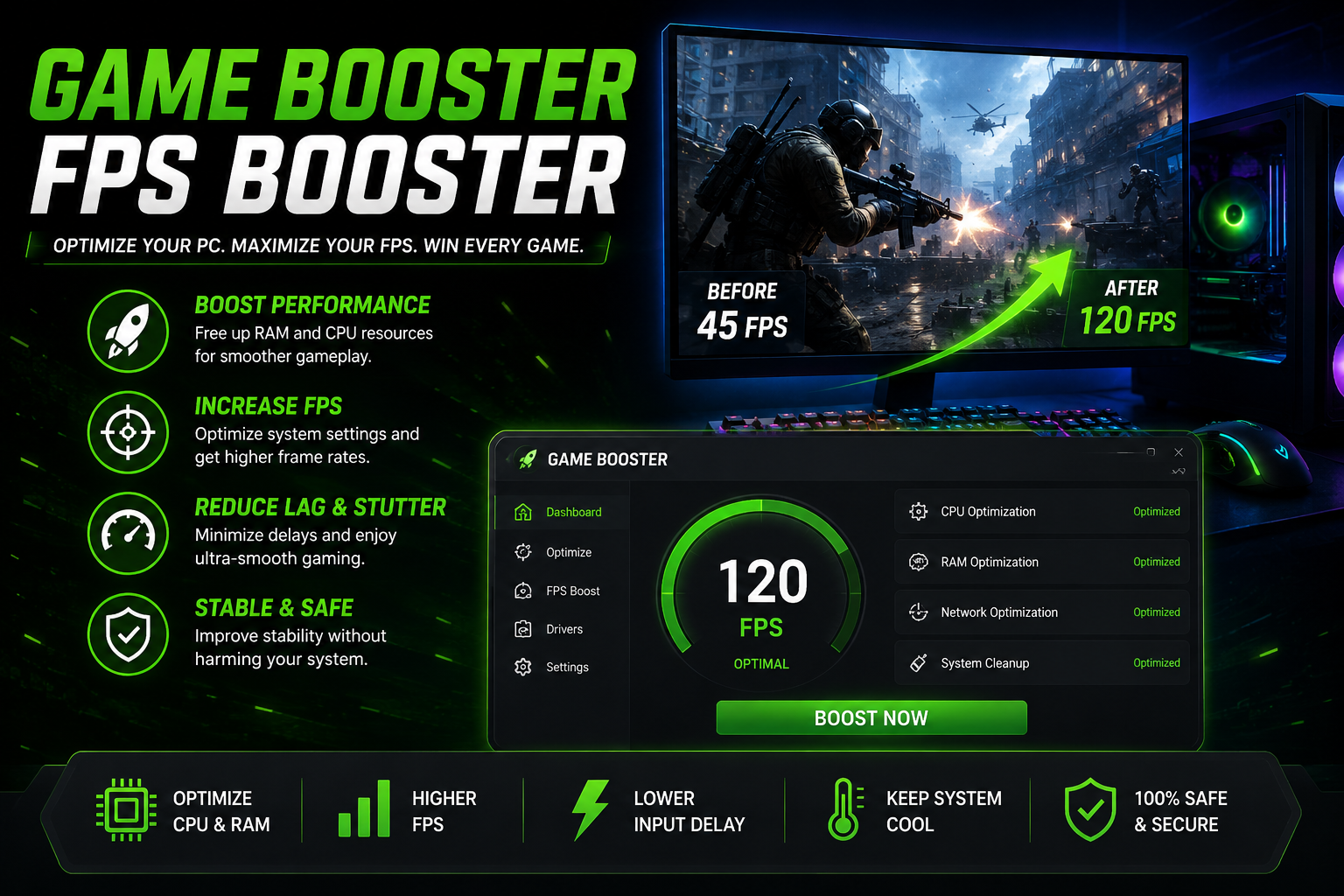

Gaming on a Windows PC can be an exciting experience, but performance issues like lag, low frame rates, and long loading times can quickly ruin the fun. Whether you’re playing competitive online games or graphics-intensive AAA titles, smooth gameplay is essential. This is where a Game Booster and an FPS Booster become valuable tools. While both aim to improve gaming performance, they work in different ways to optimize your system.
What Is a Game Booster?
A Game Booster is software designed to optimize your computer before you launch a game. It temporarily closes unnecessary background applications, reduces resource usage, and prioritizes system performance for gaming.
Many programs and services run in the background without you noticing. These processes consume CPU power, memory, and disk resources, leaving fewer resources available for your game. A reliable Game Booster automatically manages these tasks so your PC can focus on delivering a better gaming experience.
Benefits of a Game Booster
Using a Game Booster can provide several advantages:
- Free up RAM by closing unnecessary applications.
- Reduce CPU usage from background processes.
- Speed up game loading times.
- Improve overall system responsiveness.
- Minimize interruptions from non-essential notifications.
- Create a more stable gaming environment.
For gamers using older computers, a Game Booster can noticeably improve system responsiveness without requiring hardware upgrades.
What Is an FPS Booster?
An FPS Booster is designed to increase the number of frames per second (FPS) your computer produces while gaming. Higher FPS results in smoother animations, faster response times, and a better overall gaming experience.
Unlike a Game Booster, an FPS Booster focuses specifically on improving frame rates by optimizing graphics settings, reducing unnecessary visual effects, updating graphics drivers, and improving hardware efficiency.
Higher FPS is especially important in competitive games where every frame matters.
Also Read: camerabewaking app
How an FPS Booster Improves Performance
An FPS Booster helps maximize gaming performance by:
- Optimizing graphics settings.
- Reducing unnecessary visual effects.
- Improving GPU performance.
- Managing CPU resources more efficiently.
- Keeping graphics drivers up to date.
- Reducing frame drops during gameplay.
Many gamers use an FPS Booster to maintain consistent frame rates even during demanding scenes.
Game Booster vs. FPS Booster
Although they share a common goal, these tools serve different purposes.
| Game Booster | FPS Booster |
| Optimizes the entire Windows system | Focuses on increasing frame rates |
| Closes background applications | Optimizes graphics performance |
| Frees CPU and RAM resources | Improves GPU efficiency |
| Reduces system interruptions | Delivers smoother gameplay |
Using both together often provides the best gaming results.
Additional Tips to Increase FPS
Besides using a Game Booster and FPS Booster, you can improve gaming performance by following these best practices:
Update Graphics Drivers
Graphics driver updates often include optimizations for newly released games.
Install Games on an SSD
Solid-state drives significantly reduce loading times compared to traditional hard drives.
Close Background Applications
Streaming software, browsers, and unnecessary programs consume valuable system resources.
Lower Graphics Settings
Reducing shadows, reflections, and anti-aliasing can dramatically improve FPS.
Keep Windows Updated
System updates often improve compatibility and stability.
Monitor Hardware Temperatures
Overheating may cause your CPU or GPU to throttle performance.
Do You Need Both?
Yes. A Game Booster prepares your operating system for gaming by eliminating unnecessary processes, while an FPS Booster focuses on maximizing graphics performance. Together, they create a smoother and more stable gaming experience.
If your PC struggles with newer games, combining both optimization methods may improve performance without immediately upgrading hardware.
Choosing the Right Optimization Software
When selecting gaming optimization software, look for features such as:
- One-click optimization
- Automatic background process management
- Driver update assistance
- Real-time performance monitoring
- FPS tracking
- Safe optimization without deleting personal files
Reliable optimization software should improve performance while maintaining system stability.
Also Read: brandrank.ai normalization transformation rules
Final Thoughts
A Game Booster and an FPS Booster are excellent tools for improving PC gaming performance. A Game Booster optimizes Windows by freeing system resources, while an FPS Booster helps deliver higher and more consistent frame rates. Used together with updated drivers, proper cooling, and regular system maintenance, these tools can provide smoother gameplay, faster loading times, and a better gaming experience.
Whether you’re playing esports titles or the latest AAA games, optimizing your PC can help you enjoy every session with fewer interruptions and better overall performance. This makes both a Game Booster and an FPS Booster worthwhile additions to any gamer’s toolkit.