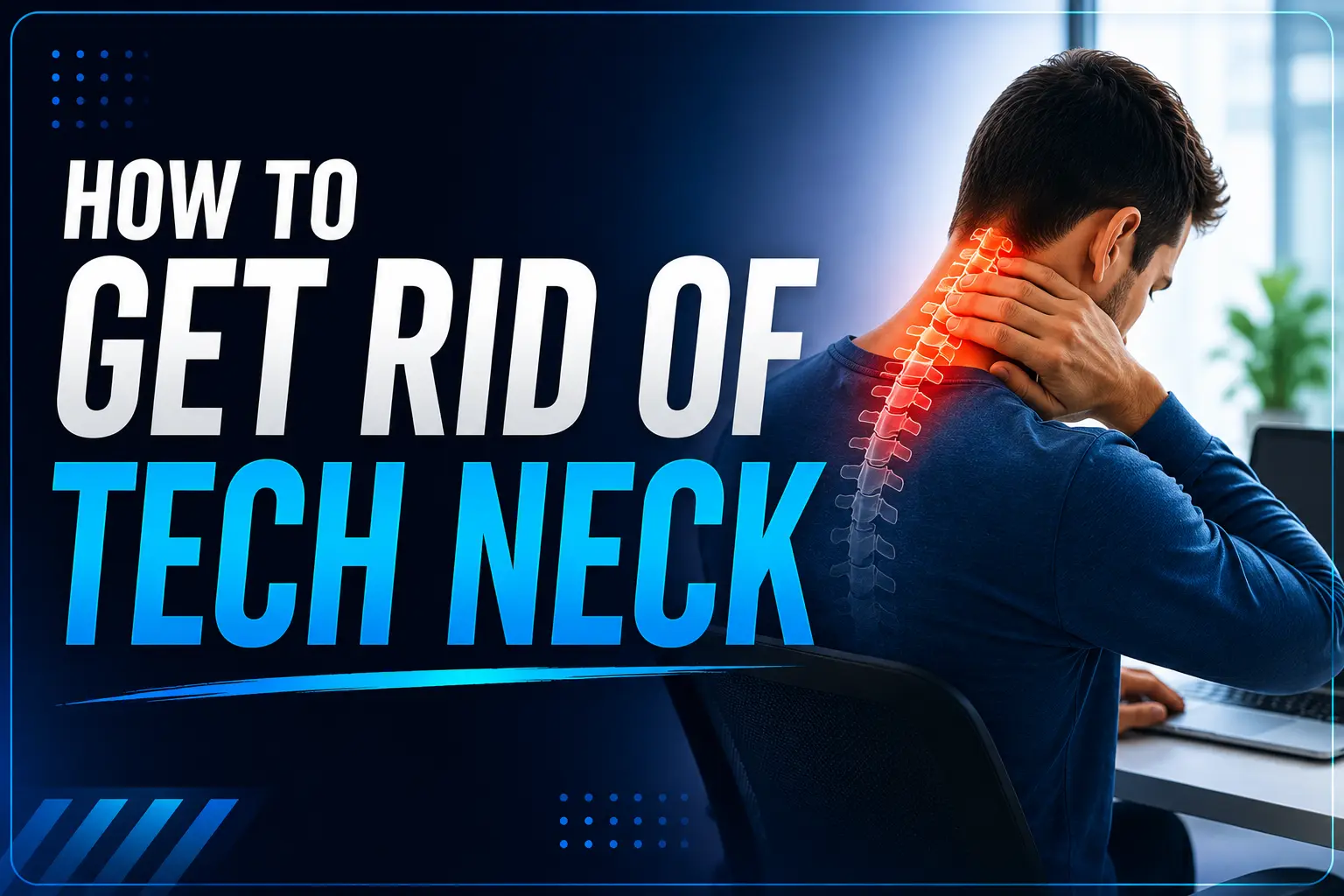
How to Get Rid of Tech Neck: The Complete Fix for Remote Workers, Gamers & Screen-Heavy Jobs

If you’re reading this on your phone right now, tilt your eyes up without moving your head. That’s roughly where your screen should be — and if it isn’t, that gap between “screen” and “eye level” is exactly what’s been quietly wrecking your neck. If you’ve been searching for how to get rid of tech neck, the fix starts with understanding why it happens in the first place.
Tech neck isn’t a vague wellness buzzword. It’s a measurable, mechanical problem: every degree your head tips forward multiplies the load your neck muscles have to hold. A head in neutral position weighs about 10-12 pounds. Tilted forward at 45 degrees — the angle most people hit while texting — the effective load on the cervical spine can climb toward 50 pounds, a figure that comes up consistently in cervical spine load research. Your neck was never built to carry that for eight hours a day, especially if your current desk setup isn’t helping.
This guide skips the generic “sit up straight” advice you’ve already read a dozen times. Instead, you’ll get the actual mechanics of why tech neck happens, device-specific fixes for laptops, phones, tablets, and gaming rigs, exact exercises with sets and reps, a realistic recovery timeline backed by research, and the tools worth buying versus the ones that are a waste of money.
What Tech Neck Actually Is (In Plain Terms)
Tech neck — also called text neck or forward head posture — happens when your head habitually sits in front of your shoulders instead of stacked directly above them. Two things happen at once, and they reinforce each other:
Your muscles overwork. The muscles at the base of your skull and across your upper traps have to brace constantly to stop your head from tipping further forward. That nonstop low-grade tension is what produces the tight, ropey feeling across your shoulders by the end of a workday.
Your joints stop moving properly. The small joints in your neck and upper back gradually lose their normal range of motion because they’re stuck holding one position for hours. Over time, this is what causes the stiffness that doesn’t go away even after you stretch once or twice.
Despite the name, tech neck isn’t caused by phones specifically — it’s caused by any sustained forward gaze, whether that’s a laptop screen, a steering wheel, a workbench, or a couch. Devices just happen to be where most of us spend that time now.
Also Read: Salary of an Xray Tech in 2026: What They Really Make (By State, Experience & Employer)
Why This Matters More in 2026 Than It Did Five Years Ago
Screen time keeps climbing, and so does the age at which people start developing symptoms — tech neck is no longer just a desk-worker problem. Students, gamers, and remote workers on multi-monitor setups are showing up with the same forward-head posture that used to be associated with decades of office work. If you work in front of screens for a living (and if you’re reading a tech blog, you probably do), this isn’t a someday problem. It’s a today problem.
The Symptoms Checklist
Tech neck rarely announces itself dramatically. It builds gradually. Watch for:
- A dull ache at the base of the skull that shows up by mid-afternoon
- Tight, “knotted” upper traps and shoulders
- Tension headaches that get worse the longer you’re on a screen
- Reduced range of motion when turning your head to check a blind spot
- Numbness or tingling down the arms or into the hands in more advanced cases
- Neck stiffness that disrupts sleep, especially without proper pillow support
If you’re only dealing with the first two, you’re in the easiest window to fix this. If you’re into the last two, it’s worth getting a professional assessment before you start any exercise program.
How to Get Rid of Tech Neck by Device: Where Most Guides Fall Short
Generic “keep your screen at eye level” advice ignores that your setup for a laptop, a phone, and a gaming rig each creates a completely different problem. Here’s how to fix each one specifically.
How to Get Rid of Tech Neck From Laptop and Desktop Use
A laptop is ergonomically broken by design — the screen and keyboard are locked together, so you can either get your eyes right or your wrists right, never both.
- Raise the laptop on a stand or a stack of books until the top third of the screen is at eye level, then plug in an external keyboard and mouse so your hands stay at a natural height.
- If you’re on a desktop monitor, the top of the screen should sit at or just below eye level, roughly an arm’s length away.
- Running dual monitors for work? Center your primary monitor directly in front of you rather than off to one side — a monitor arm that lets you angle and rotate the screen is one of the highest-value cheap upgrades you can make.
- Keep elbows at roughly 90 degrees with wrists in a neutral position; a stiff neck often starts as a wrist and shoulder problem that migrates upward.
Also Read: BrandRank.AI Normalization Transformation Rules: The Complete 2026 Guide to Winning AI Visibility
How to Get Rid of Tech Neck From Phone and Tablet Use
This is the single biggest contributor to tech neck because of how naturally we drop our chin toward the phone instead of raising the phone toward our eyes.
- Bring the phone up to chest-or-higher height rather than letting your arm rest in your lap. Your arms will tire faster than your neck adjusts, which is exactly the point — it forces regular breaks.
- For longer reading or scrolling sessions, prop the phone on a stand, a stack of books, or rest your elbows on a table or pillow to support your arms at height without straining them.
- Read on a tablet propped on a stand rather than flat on a desk whenever you’re reading for more than a few minutes.
How to Get Rid of Tech Neck From Gaming and Streaming Setups
Gamers get overlooked in most tech neck content, but hours in a fixed, often slouched position with a controller or keyboard in a low lap-level position is one of the worst combinations for neck load.
- Center your monitor or TV at eye level, not mounted high on a wall — tilting your head back for hours is just as damaging as tilting it forward.
- Use a chair with proper head and lumbar support rather than a couch for long sessions; couches encourage the slouched, chin-forward posture that compounds tech neck fastest.
- Set a break timer every 45-60 minutes during long sessions — this is non-negotiable for anyone gaming more than two hours at a stretch.
The Exercises That Actually Work (With Sets and Reps)
Research on posture correction is fairly consistent: exercise programs combining strengthening and stretching produce measurable improvements in forward head posture, and most people see noticeable pain reduction within a few weeks of consistent practice. Vague “do some stretches” advice doesn’t cut it — here’s a program with actual dosage.
1. Chin Tucks (the single most important exercise) Sit or stand tall. Without tilting your chin up or down, slide your head straight backward as if making a double chin. Hold 5 seconds, release. 3 sets of 10-15 reps, daily. This is a purely horizontal glide, not a nod — if you feel dizzy, shrink the range of motion.
2. Wall Chin Tucks Stand against a wall with heels an inch out. Pull your chin back until the back of your head touches the wall without tipping your chin up. Hold 5 seconds. 10 reps, twice daily. The wall gives you instant feedback on whether you’re actually moving straight back.
3. Scapular Retraction (Shoulder Blade Squeeze) Pull your shoulder blades together and down, as if trying to pinch a pencil between them. Hold 5-10 seconds. 3 sets of 10-15 reps, daily. This directly counteracts the forward-rounded shoulder position that drags your head forward with it.
4. Doorway Chest Stretch Stand in a doorway, forearms on the frame at shoulder height. Step one foot forward and lean until you feel a stretch across your chest. Hold 30-60 seconds, 2-3 times, daily. Tight chest muscles pull your shoulders forward even when your upper back is doing its job.
5. Levator Scapulae Stretch Sit tall. Turn your head about 45 degrees to one side, then tip your chin down toward your armpit. Use your hand to gently deepen the stretch. Hold 20-30 seconds each side. This targets a muscle that runs from your neck to your shoulder blade and tends to be chronically shortened in anyone who spends hours hunched over a screen.
6. Foam Roller Thoracic Extension Lie on the floor with a foam roller placed across your upper back, hands behind your head. Let your upper back drape over it for 30 seconds, then move the roller down an inch and repeat for 2 minutes total. Your mid-back is usually where forward-head posture actually originates — opening it up gives your neck room to sit back over your shoulders instead of in front of them.
How Long This Actually Takes (Set Real Expectations)
Most guides dodge this question. Here’s the honest version, based on how posture-correction research and clinical timelines line up:
- 1-2 weeks: Reduced muscle tension and fewer headaches with consistent daily practice.
- 3-5 weeks: Most people feel meaningfully looser and notice pain has dropped.
- 6-12 weeks: Measurable postural change — visible in photos or a professional assessment.
- 3-6 months: Full structural change to cervical curve in cases where the curve had significantly flattened or reversed.
The single biggest predictor of how fast you improve isn’t which exercise you do — it’s whether you do it every day. Skipping days and “catching up” on the weekend doesn’t work the same way.
Tools Worth Buying (and Ones to Skip)
Since fixing tech neck is as much about your environment as your exercises, a few tools genuinely move the needle:
- A laptop stand + external keyboard/mouse combo — this is the highest-value fix on this list because it solves the core laptop ergonomics problem in one purchase.
- A monitor arm — lets you get screen height and distance exactly right, and is reusable across desk setups.
- A phone stand or tripod for reading/video calls — removes the temptation to drop your chin.
- A basic screen-time or posture reminder app — the cheapest possible intervention, since most tech neck damage happens simply because nobody interrupts a 90-minute head-down session.
Skip anything marketed as a one-session “posture reset” gadget or a rigid cervical collar for daily wear. Research consistently points to active exercise and ergonomic change as what actually works — passive devices you wear without doing the underlying strengthening work don’t fix the muscle imbalance causing the problem.
When to See a Professional
Self-care handles the vast majority of tech neck cases. See a doctor, physical therapist, or chiropractor if you notice:
- Numbness, tingling, or weakness in your arms or hands
- Pain that doesn’t improve after 4-6 weeks of consistent exercise and ergonomic changes
- Sharp pain rather than muscular tightness
- Symptoms that interfere with sleep or daily function
These can indicate nerve involvement or disc issues that need a hands-on assessment rather than a stretching routine.
Also Read: 2026 F-150 Smart Tech Features: The Complete Guide (BlueCruise, SYNC 4, Pro Power & More)
The Bottom Line
Tech neck is mechanical, which means the fix is mechanical too: change the angle your devices sit at, load the muscles that have gone weak, and stretch the ones that have gone tight — every day, not just when it hurts. That’s really the whole answer to how to get rid of tech neck: consistency, not intensity. Do that consistently for a few weeks and most people notice a real difference. Give it a few months, and it’s genuinely reversible.
Frequently Asked Questions
Can tech neck be fully reversed?
For most people, yes. Tech neck is a posture and soft-tissue adaptation rather than permanent structural damage, so restoring mobility and retraining the deep neck muscles reverses it in the majority of cases — the longer the pattern has built up, the longer full reversal takes.
Is tech neck only caused by phones?
No. Any sustained forward head position — a laptop, a steering wheel, reading in bed, a low monitor — creates the same load. Phones just tend to create the most extreme angle, which is why they get the blame.
Can tech neck cause headaches?
Yes. Tension headaches are one of the most common tech neck symptoms, caused by the chronically overworked muscles at the base of the skull.
Do standing desks fix tech neck?
They help, but only if you also raise your screen to eye level while standing. A standing desk with a low laptop screen just moves the same bad posture into a standing position.
How often should I take breaks?
Every 30-60 minutes is the range most consistently recommended, whether that’s a 2-minute stretch, a lap around the room, or simply looking away from the screen and rolling your shoulders.